Hello @jgigliotti,
your assumption is correct, if I navigate to http://localhost:7075 and I get redirected to http://localhost:7075/app/welcome/default/#!/welcome camunda works just fine.
I also tried with your suggested nginx config but I’m still getting a 404 error.
The reason I thought the problem was the # ist that I tried setting the proxy_pass to app/welcome/default/#!/welcome. And then, when accessing localhost/pt-camunda I got redirected to http://localhost/pt-camunda/app/welcome/ and got the following error:
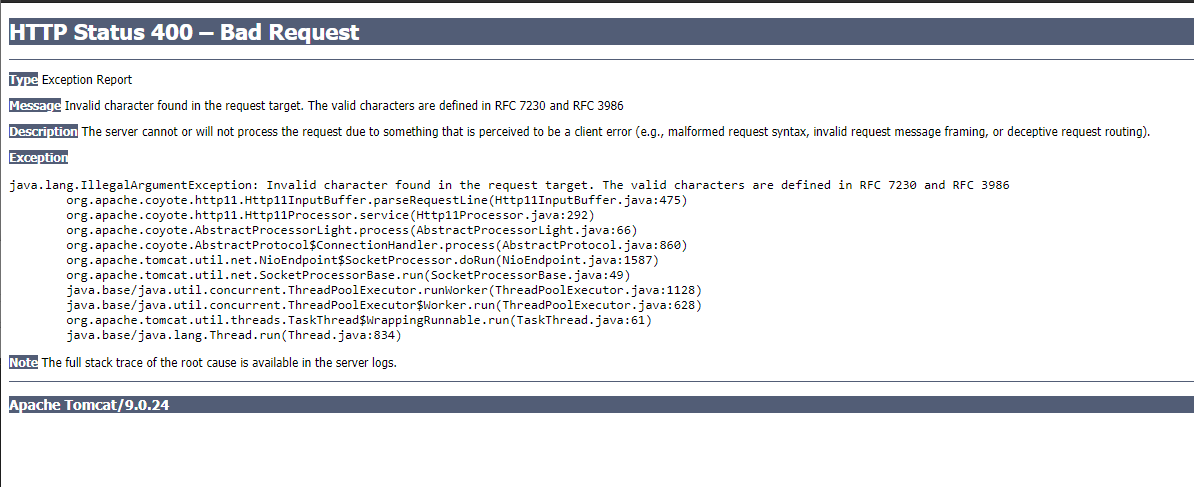
So I assumed that the proxy is not redirecting where it’s supposed to beacuse of the #.
This is the camunda dockerfile:
FROM camunda/camunda-bpm-platform:7.12.0
RUN rm -rf /camunda/webapps/ROOT;
rm -rf /camunda/webapps/camunda-invoice;
rm -rf /camunda/webapps/camunda-welcome;
rm -rf /camunda/webapps/docs;
rm -rf /camunda/webapps/examples;
rm -rf /camunda/webapps/h2;
mv /camunda/webapps/camunda /camunda/webapps/ROOTCOPY --chown=camunda:camunda deployment/camunda-bpm-identity-keycloak-all-1.4.0.jar /camunda/lib/
COPY --chown=camunda:camunda deployment/camunda-setenv.sh /camunda/bin/setenv.sh
COPY --chown=camunda:camunda deployment/bpm-platform.xml /camunda/conf/bpm-platform.xml
COPY --chown=camunda:camunda ptos/target/ptos.war /camunda/webapps/RUN chmod 664 /camunda/lib/camunda-bpm-identity-keycloak-all-1.4.0.jar;
chmod 750 /camunda/bin/setenv.sh;
chmod 644 /camunda/conf/bpm-platform.xml
And this is the nginx dockerfile:
FROM nginx:1.16.1-alpine AS prod
ENV SERVER_NAME=localhost
LISTEN_PORT=8080 \COPY ./nginx.conf.template /etc/nginx/conf.d/default.conf.template
COPY ./docker-entrypoint.sh /usr/local/bin/entrypointENTRYPOINT /usr/local/bin/entrypoint