Our environment is running in Docker containers with the following components:
Camunda version: 8.8
Identity: 8.8+
We are using OIDC authentication, meaning:
Current status:
-
Operate and Tasklist work fine.
-
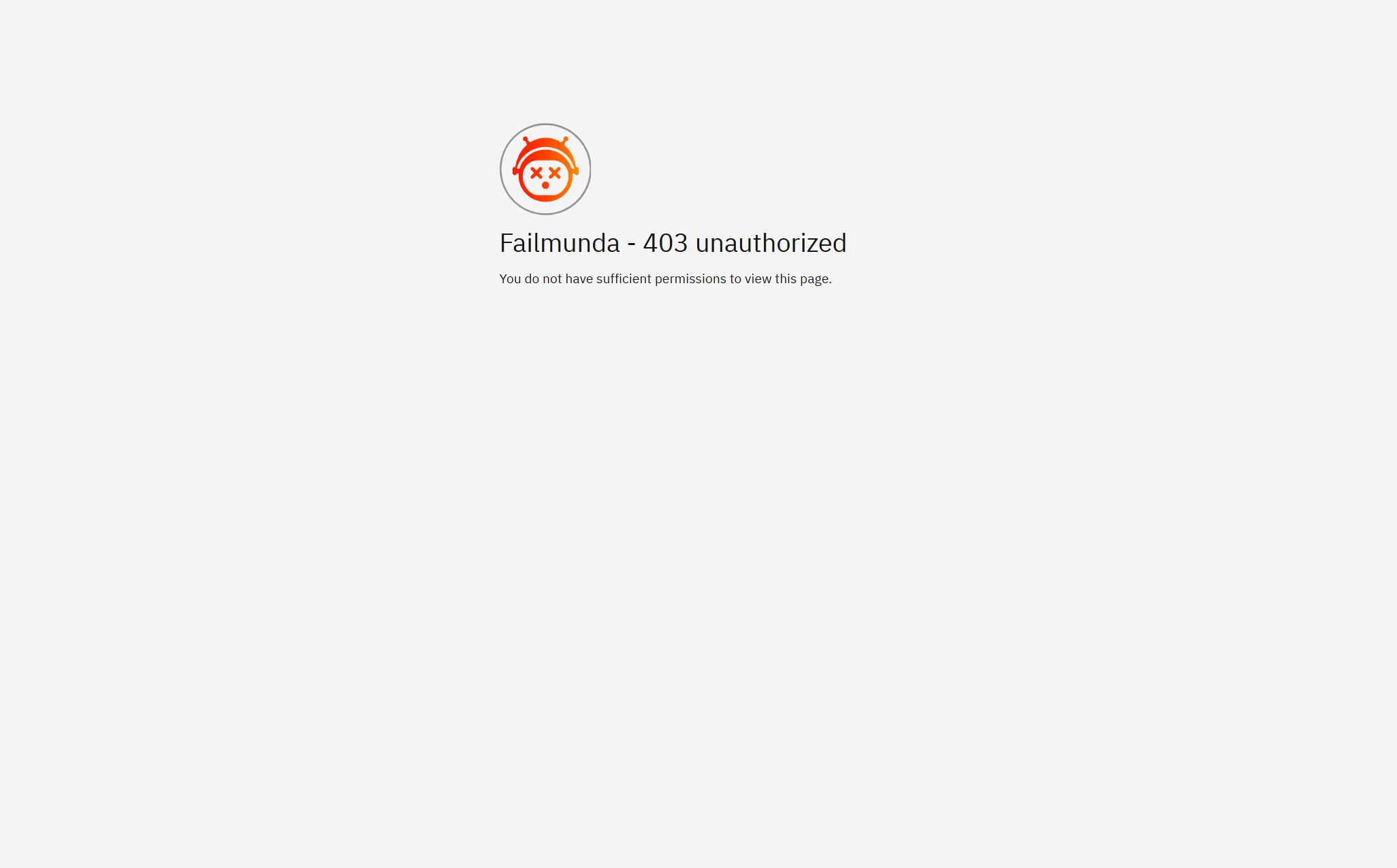
However, when accessing Camunda Identity (http://[IP]:8084), we see:
Failmunda - 403 unauthorized
You do not have sufficient permissions to view this page.
Questions:
-
What is missing to allow viewing the Identity UI?
-
In OIDC mode, do we need any additional configuration on Identity side to grant permissions?
-
Is there a way to reinitialize Identity so that permissions are correctly set without manual Keycloak role assignments?
We would like to keep all permission management within Identity and avoid manual operations in Keycloak if possible.
Has anyone faced this issue or knows the solution? Any guidance would be appreciated!
Any guidance would be appreciated!
We are using an existing Keycloak instance only for user authentication via OIDC.
User creation and management are handled in Keycloak.
On the Camunda side, we use Management Identity to organize access to components like Operate and Tasklist through groups and roles.
Currently, we are facing a 403 Forbidden error when trying to access the Identity UI in the browser (http://[IP]:8084).
Could you advise which settings should be checked or adjusted to resolve this?
For example, are there mandatory roles or client configurations in Keycloak that Identity requires? Any best practices would be greatly appreciated.
Here is the relevant part of our docker-compose.yml for Identity and Keycloak:
identity:
    container_name: identity
    image: identity_image
    ports:
      - "8084:8084"
    environment:
      SPRING_PROFILES_ACTIVE: oidc
      CAMUNDA_IDENTITY_TYPE: GENERIC
      CAMUNDA_IDENTITY_BASE_URL: http://identity:8084
      CAMUNDA_IDENTITY_ISSUER: http://keycloak:18080/auth/realms/camunda-platform
      CAMUNDA_IDENTITY_ISSUER_BACKEND_URL: http://keycloak:18080/auth/realms/camunda-platform
      CAMUNDA_IDENTITY_CLIENTID: ${CAMUNDA_CLIENT_ID}
      CAMUNDA_IDENTITY_CLIENTSECRET: ${CAMUNDA_CLIENT_SECRET}
      CAMUNDA_IDENTITY_AUDIENCE: camunda-identity
      IDENTITY_INITIAL_CLAIM_NAME: sub
      IDENTITY_INITIAL_CLAIM_VALUE: "cfb81d2a-54e0-4ec2-8cd2-9eb4c77e7c47"
      IDENTITY_DATABASE_HOST: postgres
      IDENTITY_DATABASE_PORT: 5432
      IDENTITY_DATABASE_NAME: ${POSTGRES_DB}
      IDENTITY_DATABASE_USERNAME: ${POSTGRES_USER}
      IDENTITY_DATABASE_PASSWORD: ${POSTGRES_PASSWORD}
      RESOURCE_PERMISSIONS_ENABLED: false

keycloak:
    container_name: keycloak
    image: keycloak_image
    ports:
      - "18080:18080"
    environment:
      KEYCLOAK_HTTP_PORT: 18080
      KEYCLOAK_HTTP_RELATIVE_PATH: /auth
      KEYCLOAK_DATABASE_HOST: postgres
      KEYCLOAK_DATABASE_PASSWORD: ${POSTGRES_PASSWORD}
      KEYCLOAK_ADMIN_USER: ${KEYCLOAK_ADMIN_USER}
      KEYCLOAK_ADMIN_PASSWORD: ${KEYCLOAK_ADMIN_PASSWORD}
Thanks in advance for your help!