Hello,
I am a beginner who recently started using it.
To facilitate the fitting of business processes, we are using the Web Modeler (BPMN diagram) to create task flows. This mainly consists of user tasks and flows constructed with the form editor.
The version is as follows:
“Camunda 8.7+gen8”
“Zeebe 8.7”.
We are not using any environment other than the Web Modeler.
There are two issues I am facing:
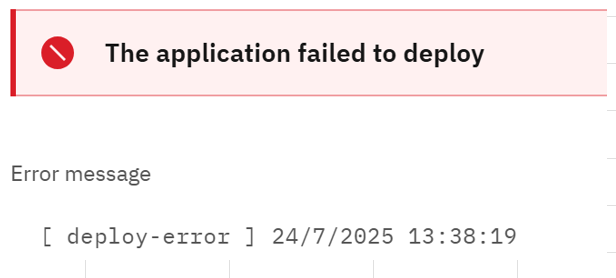
- The created task flow results in a Deploy Error.
Previously, there were no issues with the process,
but now it throws an error upon deploying.
The error message is quite simple.
By the way, when I hit “Play,” the following message appears.
(It’s the same message as in a previous topic)
※All components are healthy.
How can I avoid the Deploy Error?
- I cannot delete past error tasks.
When I check in 「Operate > Process」, it shows that three instances are running.
The situation appears to have a blue circle spinning continuously.
I have also tried to delete them from the screen, but I cannot.

How can I delete these?
Thank you for your assistance.
