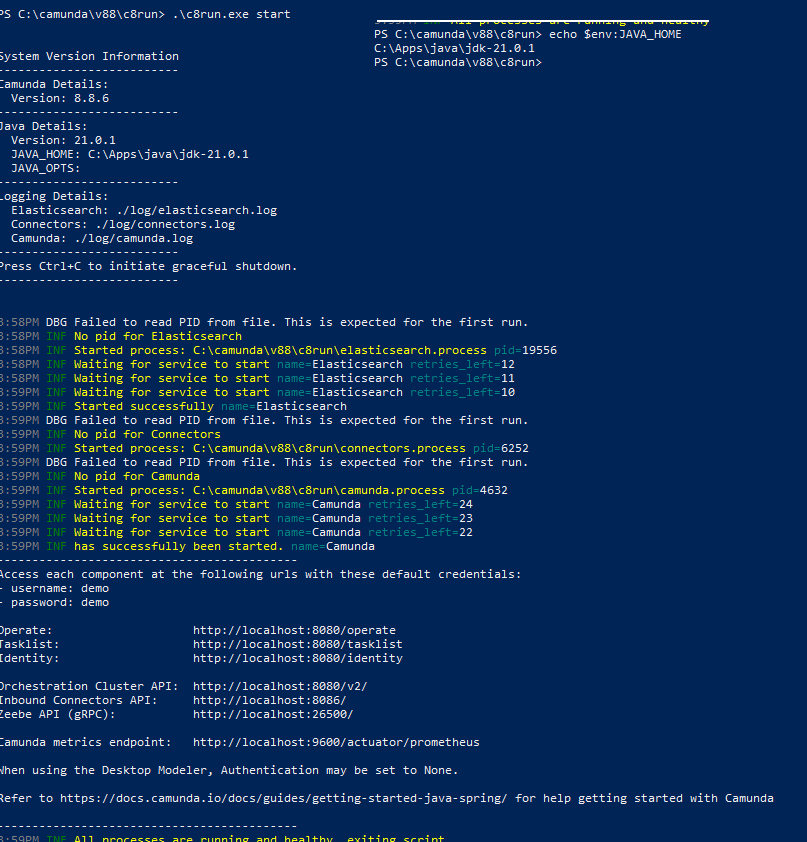
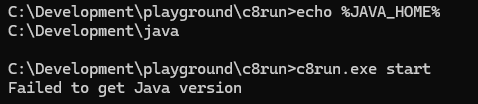
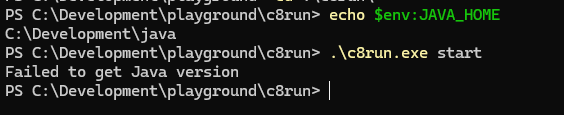
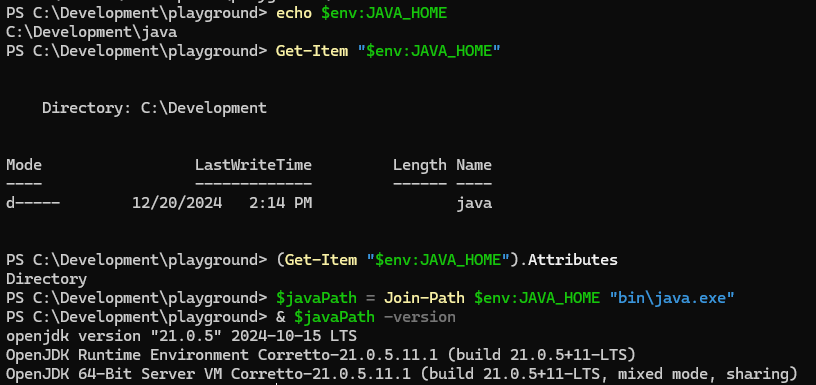
@JohnArray - I’m not familiar with the Powershell $env: prefix. What do you get if you just try echo $JAVA_HOME in a regular command prompt? The actual path shouldn’t matter, the code checks to ensure it has access to the path and that a Java binary lives in that path (source code here).
As far as i can see, there seems to be a problem in GO while resolving EvalSymlinks on Windows, which can lead to paths not being recognized, then, because ot the GO symlinks issue, c8run is clearing javahome variable:
ok, found the solution, seems like the issue is indeed in the go language an how symlinks are handled on windows.
For future reference, below scripts allows to bypass the symlink issue:
@echo off
setlocal

echo [1/4] Checking system JAVA_HOME...

:: 1. Check if JAVA_HOME is set
if "%JAVA_HOME%"=="" (
    echo [ERROR] JAVA_HOME environment variable is not set!
    echo Please set JAVA_HOME to your Java installation folder first.
    echo Example: set JAVA_HOME=C:\Development\java
    pause
    exit /b
)

echo [INFO] Found original JAVA_HOME: "%JAVA_HOME%"

:: 2. Create virtual drive Z: (Workaround for VDI/Go path issues)
echo [2/4] Mapping virtual drive Z: to JAVA_HOME...

:: Remove Z: if it already exists from a previous session
if exist Z:\ (
    subst Z: /D >nul 2>&1
)

:: Map the dynamic path found in step 1 to Z:
subst Z: "%JAVA_HOME%"

:: 3. Set temporary environment variables for this session
set "JAVA_HOME=Z:\"
set "PATH=Z:\bin;%PATH%"

echo [3/4] Verifying Java version from virtual drive...
java -version

echo [4/4] Starting Camunda 8 Run...
.\c8run.exe start

:: Optional: Clean up the virtual drive after closing
:: subst Z: /D
pause
save this as start_local.bat and all works perfectly fine.
@nathan.loding maybe it would be wise to address this issue in the official c8run?
@JohnArray - that’s pretty wild, very nice job identifying that root cause! I have shared this with the engineers and will open a GitHub issue for it soon!