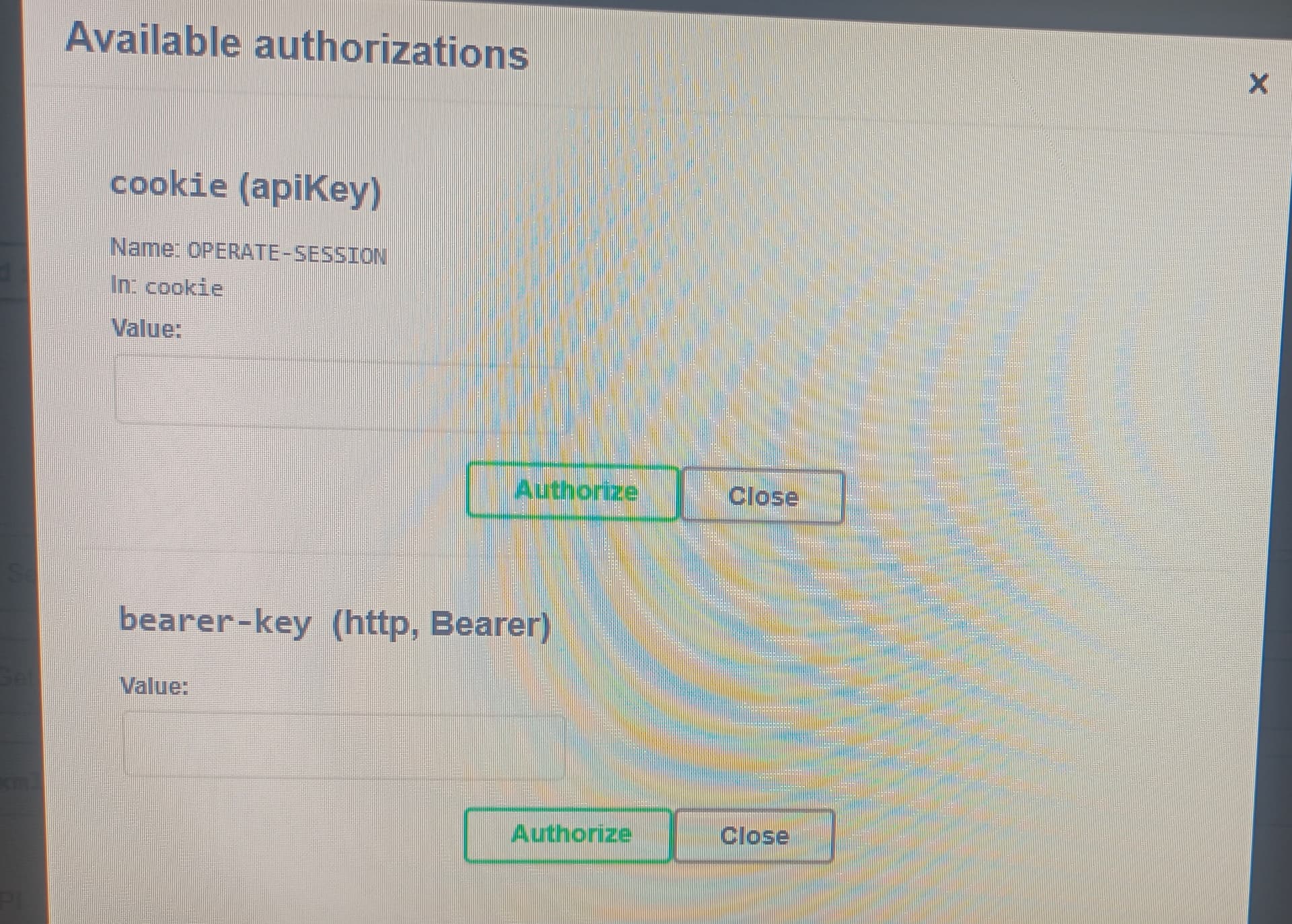
we are running our camunda platform on Kubernetes and while accessing the camunda 8 swagger UI the generated server URL is showing like http. but we are using https. also for authentication only two options are there apikey and bearer-key. so how to get this authentication details.
Please do share more details about your environment.
To get the token, you can login to the console and then go to Administration API to create the secrets.
we are using self-managed not SAAS. we are integrated with keycloak.
To authorize the connection in Camunda 8 REST API Swagger UI, the simplest approach is:
-
Authenticate to Operate (or Tasklist) via Keycloak or your configured identity provider.
-
After successful login, refresh the Swagger page.
-
Swagger will automatically pick up the
apiKeyfrom your last updated cookie, allowing you to execute the requests directly.
This way, you don’t need to manually generate API keys or bearer tokens the authentication is handled via your login session.
Let me know if this works as a workaround for your problem. If not, please share more details about the Camunda 8 version you are using and your environment setup.