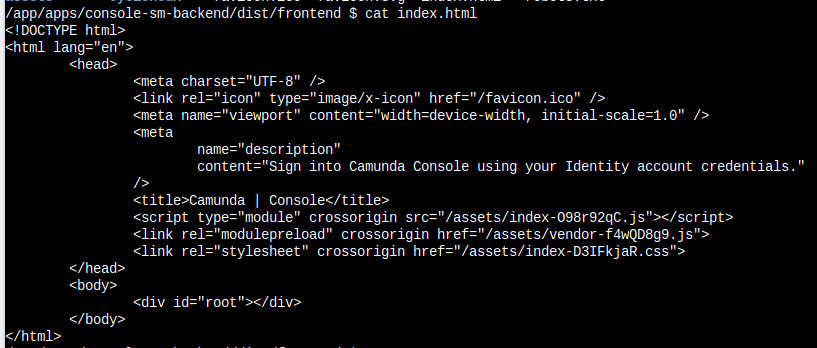
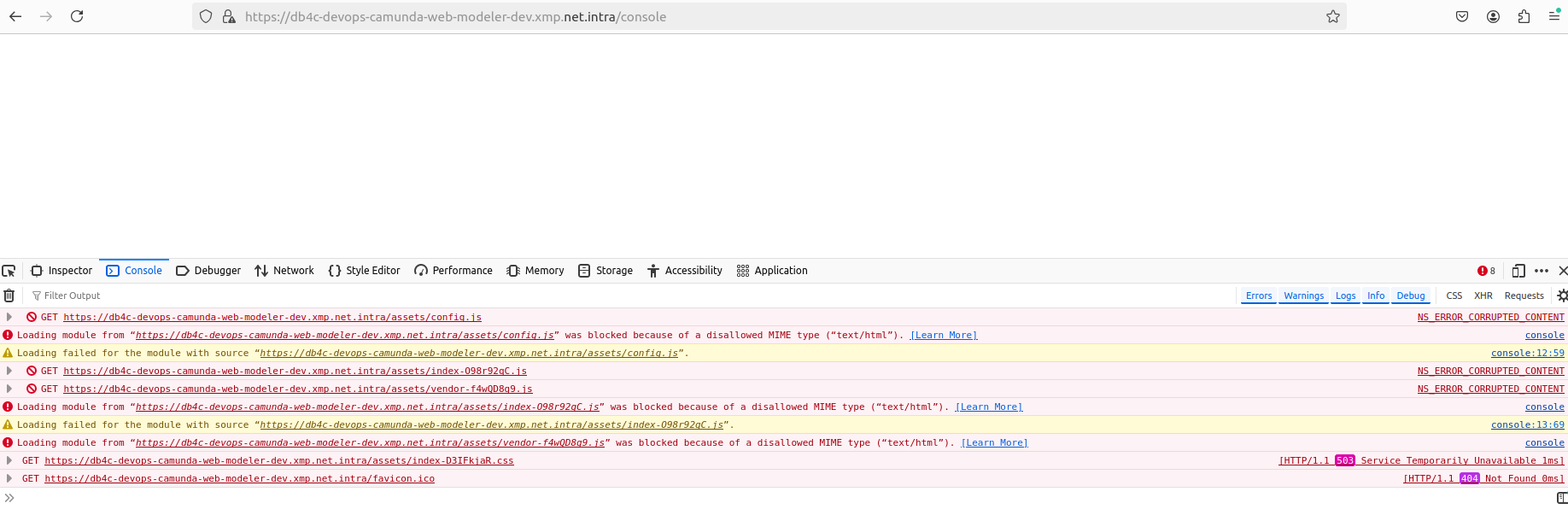
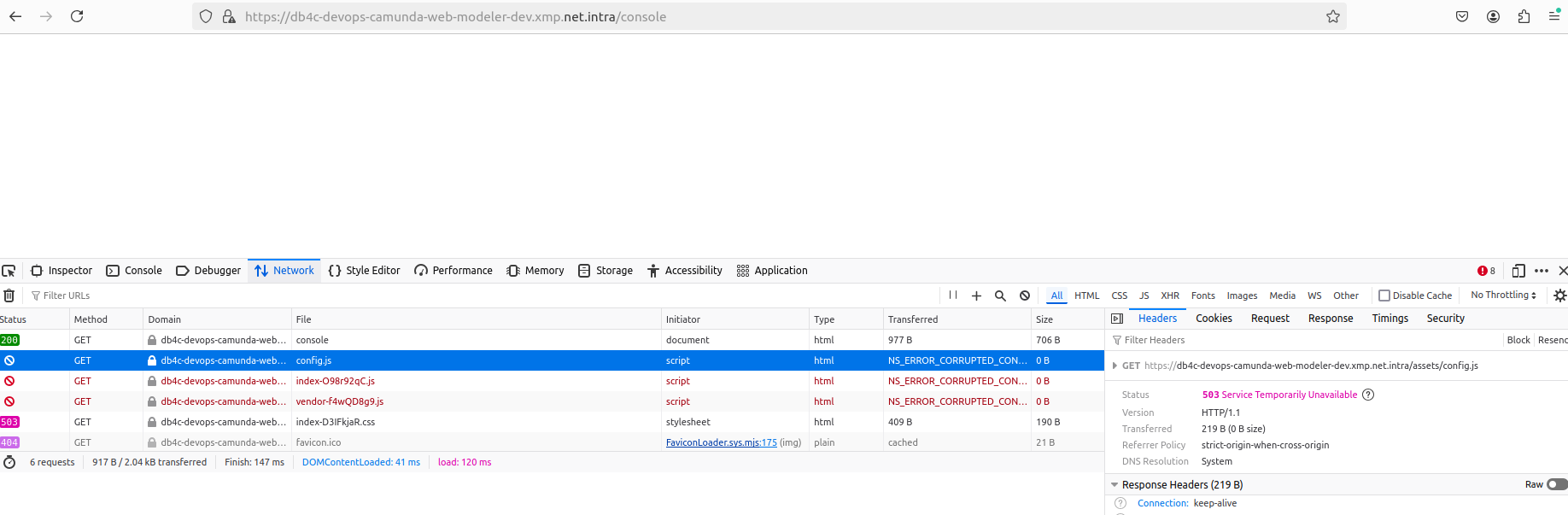
Deployed console in k8 cluster. Attached the file which we see in project directories of console image.
Where we cannot see the config.js file in project directories and also rest files present still browser is failing to load.
Can you suggest to find root cause on why it is failing to render the js files.
Hi @Shamanth - do other components, such as Operate or Tasklist, work correctly in your deployment? Are all the pods running? Are there any errors within the Console pod? The error “503 Service Temporarily Unavailable” sounds like Console isn’t starting properly.
Hi @nathan.loding, Thanks for you’re reply.
No other components are having certain issues on deployment on the cluster. Console was deployed successfully and trying to access this, unfortunately facing js file loading issue. So are you suggesting to bring all pods deployed and verify?
Still wondering that…If you see the index.html file and the html file in the browser loading looks like it is different(please verify the screenshots shared earlier). At least login page should load without any issue.
@Shamanth - something isn’t starting up correctly is my guess. It is serving the index.html but none of the related resources are available, so it’s unable to launch the front-end application.
Do you see any errors in the Console pod? What do the Console pod logs and events show?
There is no errors as such on console pod logs I see.
@Shamanth - can you share your values.yaml file? (with secrets redacted of course!)
updated contextpath in yaml file and resolved this issue.
Thank you all for the support.