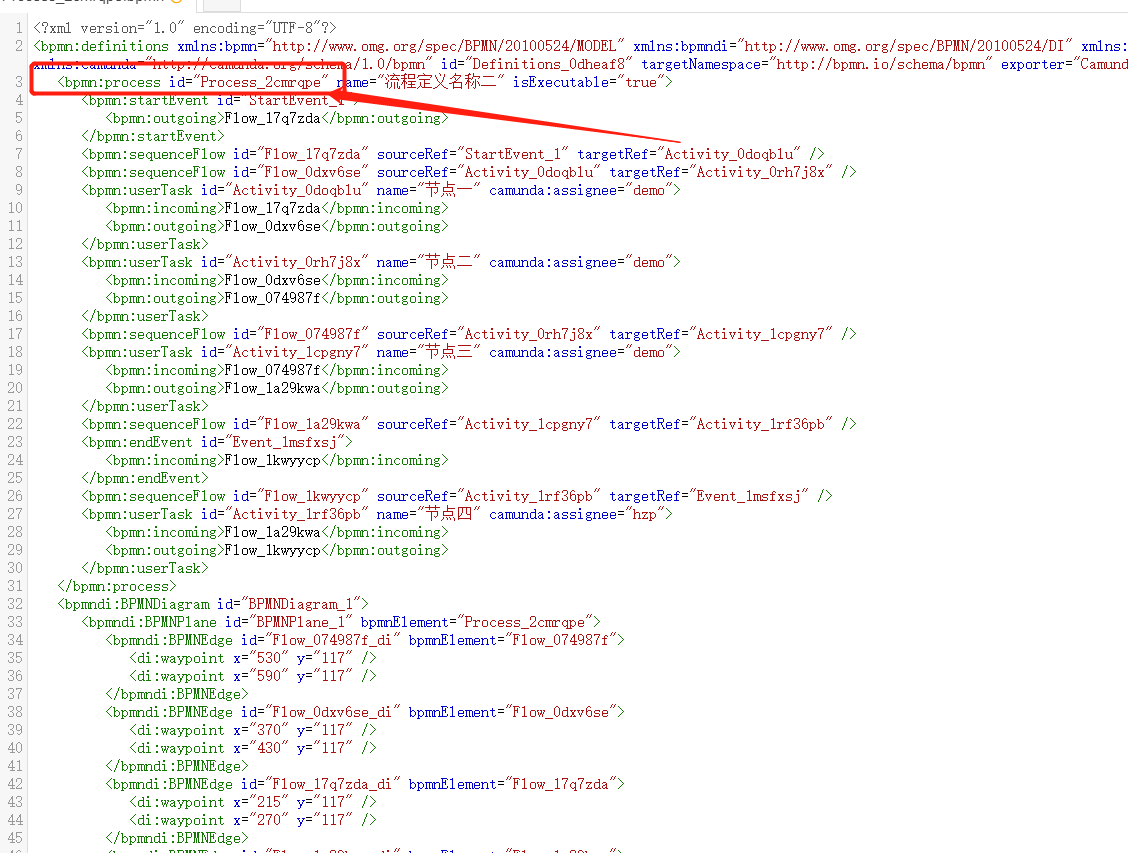
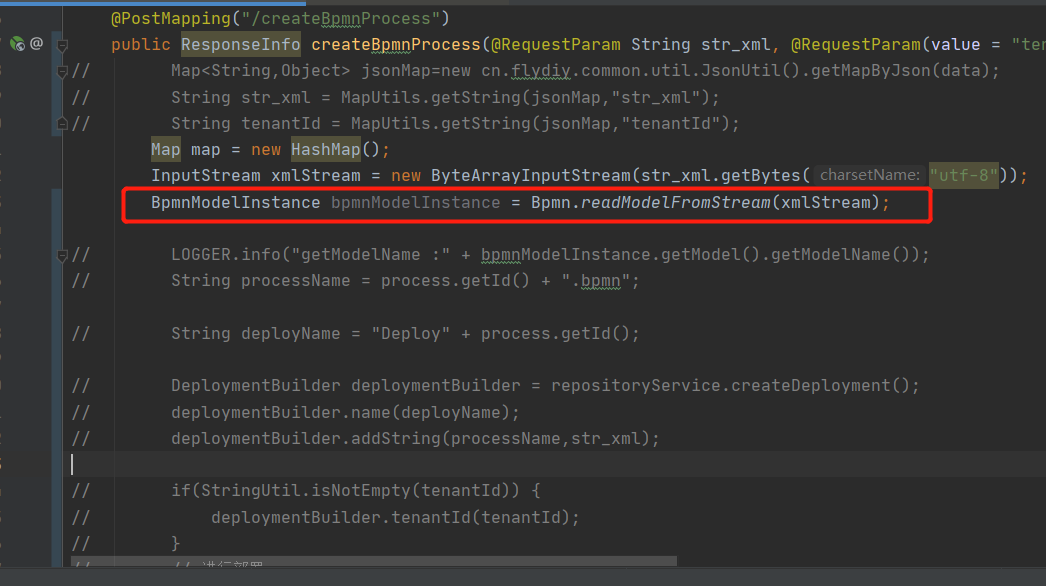
Hi @gogo
Haven’t tested it in detail, but it should work like this:
Process process = bpmnModelInstance.getModelElementsByType(Process.class).stream()
        .filter(Process::isExecutable)
        .findFirst()
        .orElseThrow(() -> new IllegalArgumentException("No executable process found"));

String id = process.getId();resolved, thank you very much, but after I deployed the old BPMN, it did not iterate over the old version. I looked at the definition key and found the same value. How to iterate to the old version.
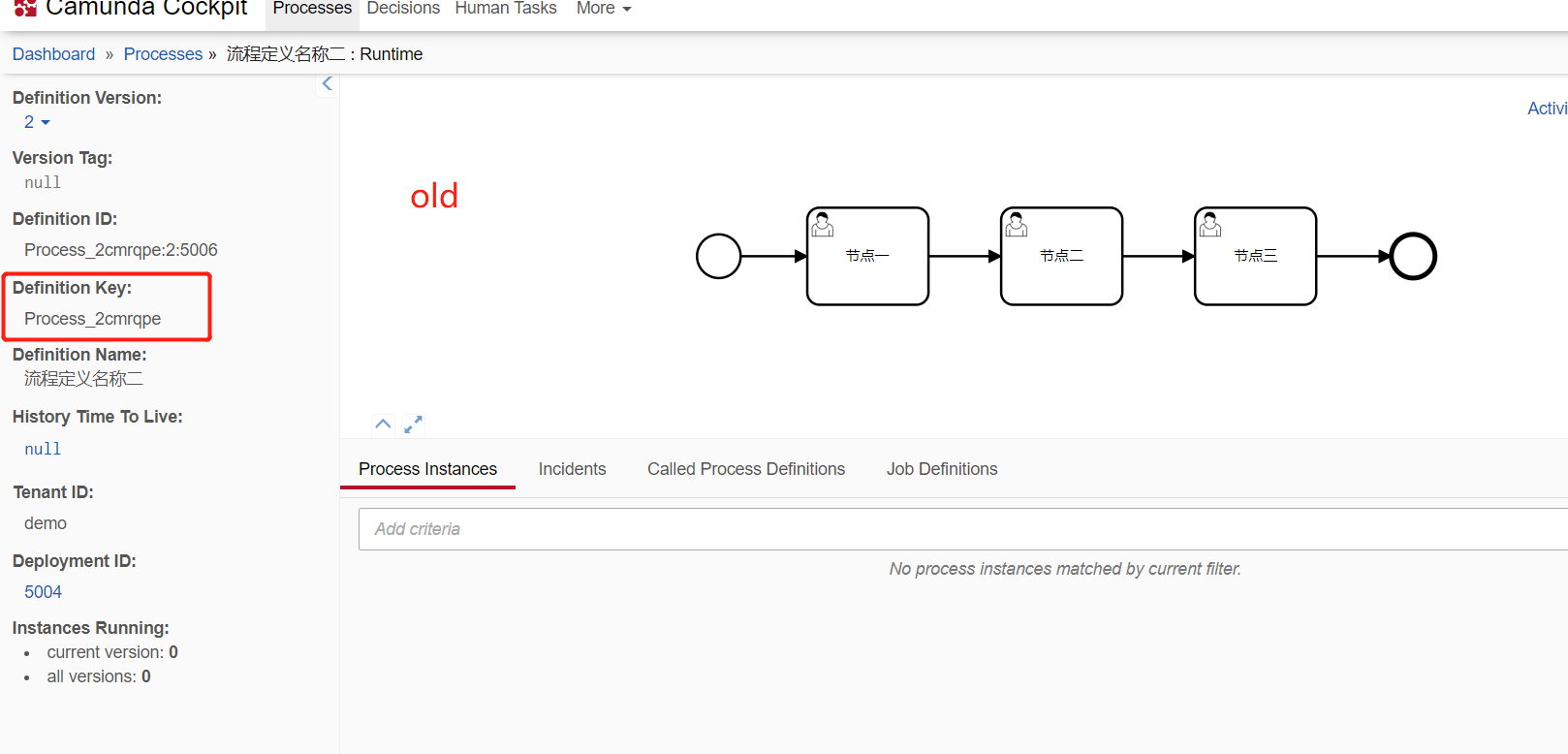
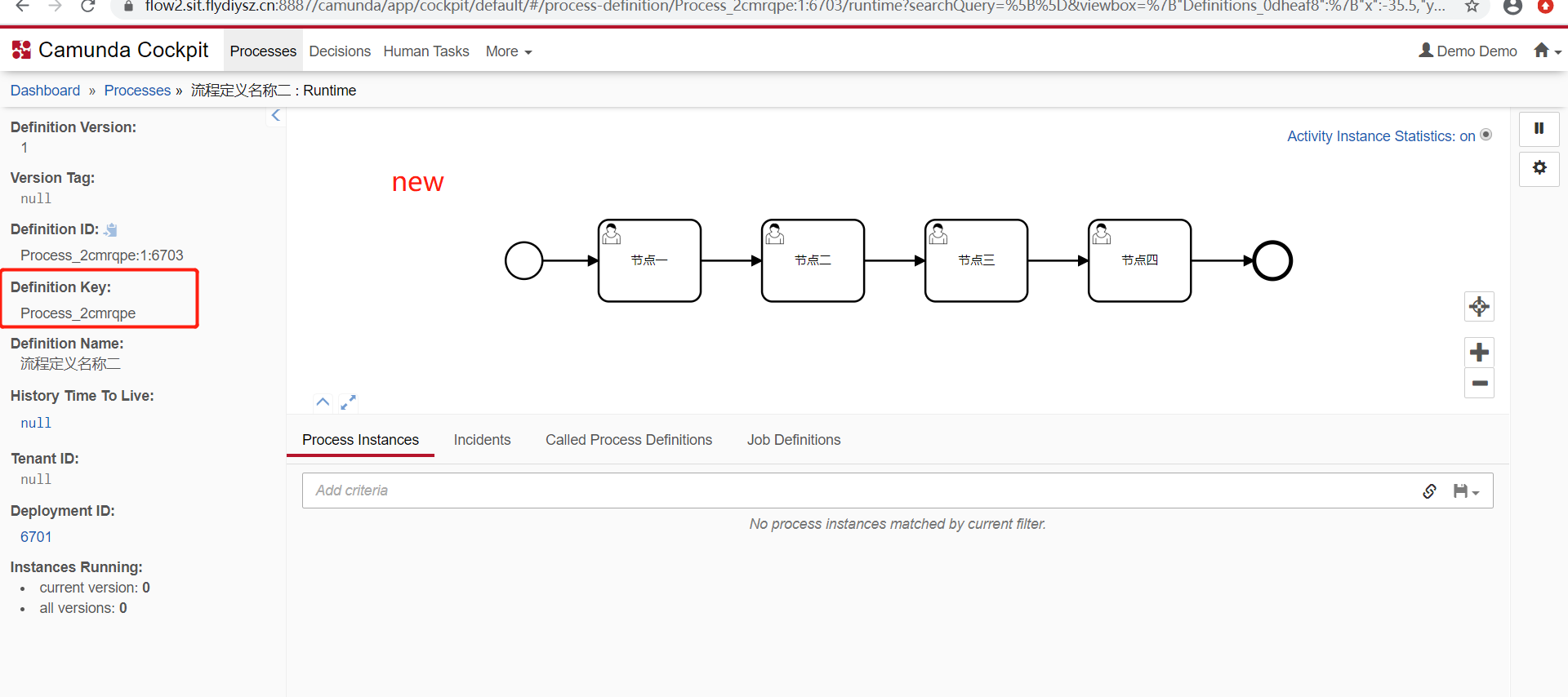
The first screenshot has a tenant, the second does not. Therefore it is not the “same” process. Further deployments without the tenant “demo” should be selectable under Definition Versions in the upper left corner.
@gogo More than one way you can achieve it.
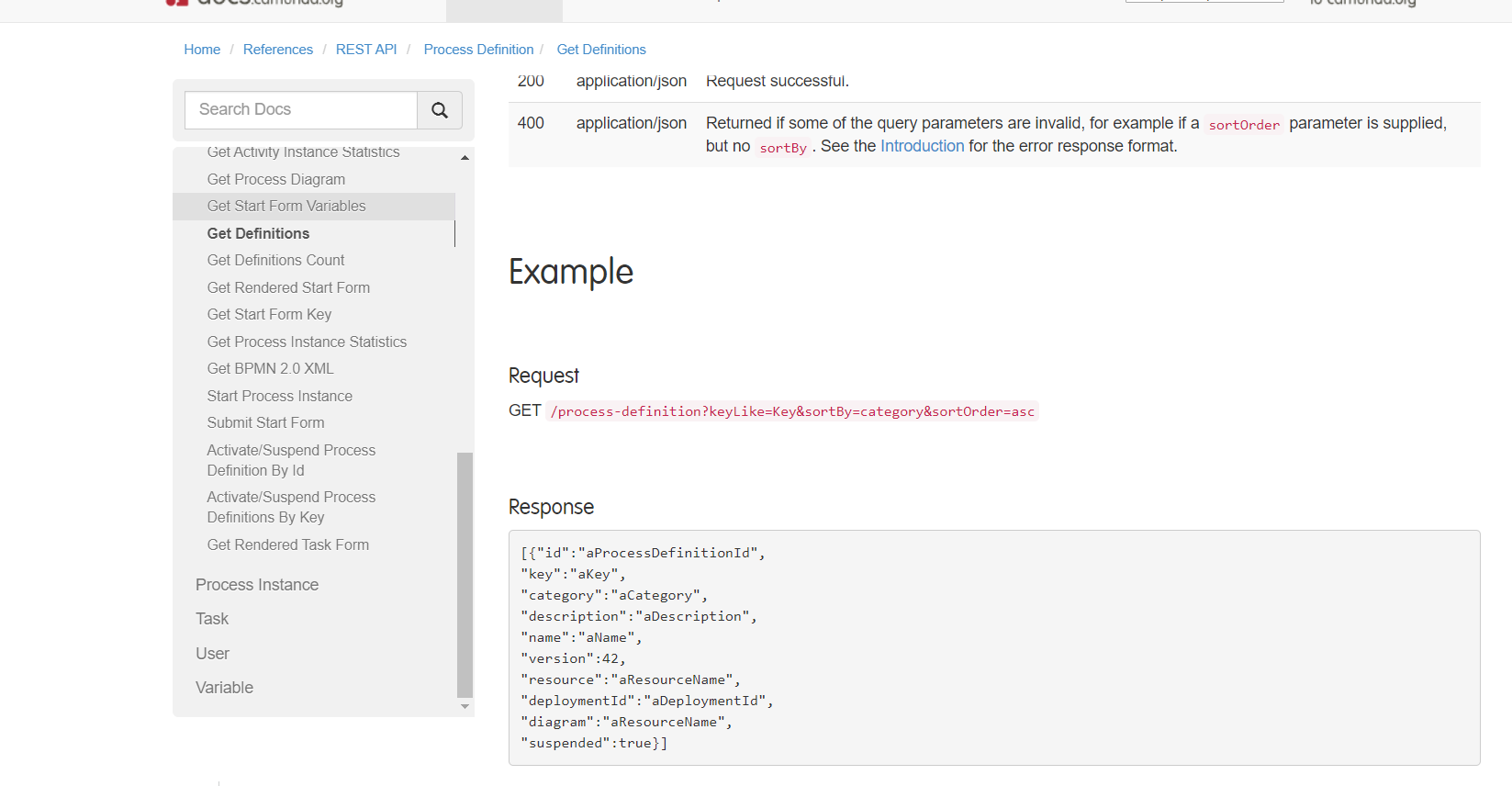
Query for the deployed process definitions as described in this page:
Java API to query from deployed process definition:
ProcessDefinition processDefinition = repositoryService.createProcessDefinitionQuery()
        .versionTag("orderProcess_New").processDefinitionVersion(1).singleResult();

processDefinition.getKey();
Read the deployed model using repository service:
BpmnModelInstance bpmnModelInstance = repositoryService.getBpmnModelInstance("processDefinitionId");
After getting BpmnModelInstance, refer the below page to extract the elements:
OK, thank you very much
This is what I need. Thank you very much.
Munich time. Good morning, Mr. Dominic. H
ow to dynamically modify ProcessId, name, isexecutable and description in BPMN modelinstance
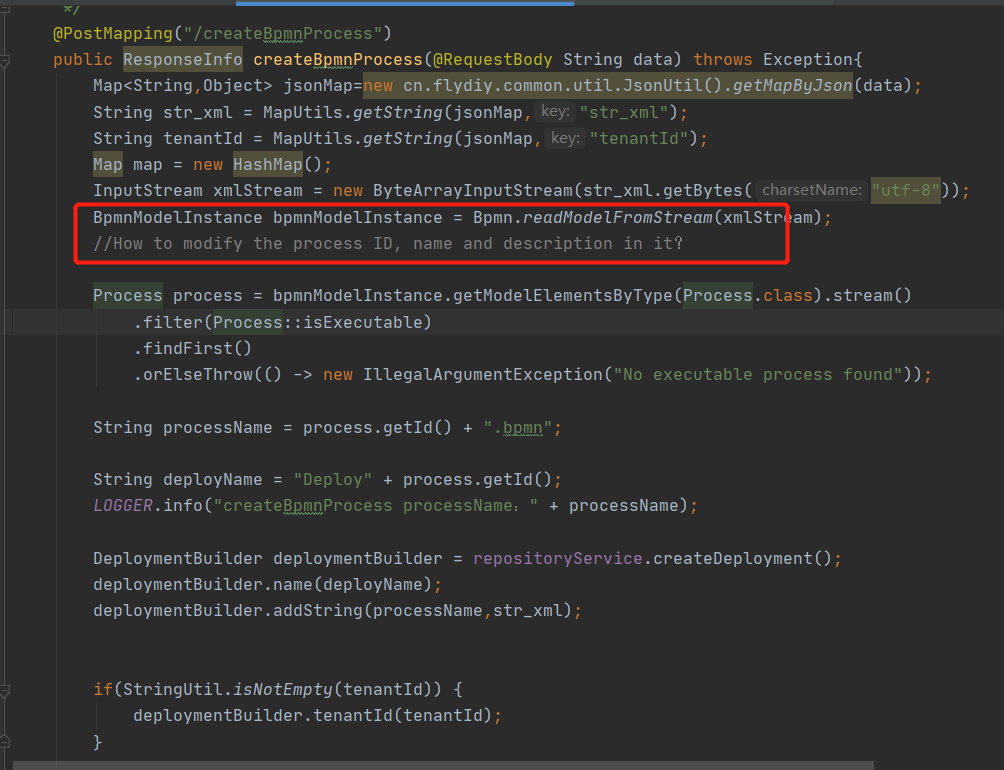
Hi @gogo,
By description you mean the documentation or?
You should then use the new model string for deployment.
Process process = bpmnModelInstance.getModelElementsByType(Process.class).stream()
            .filter(Process::isExecutable)
            .findFirst()
            .orElseThrow(() -> new IllegalArgumentException("No executable Process found"));

    process.setId("myId");
    process.setName("MyNewName");
    process.setExecutable(false);

    //Documentation
    process.getDocumentations().clear();
    Documentation doc = bpmnModelInstance.newInstance(Documentation.class);
    doc.setTextContent("My Docs");
    process.getDocumentations().add(doc);

    String modelString = Bpmn.convertToString(bpmnModelInstance);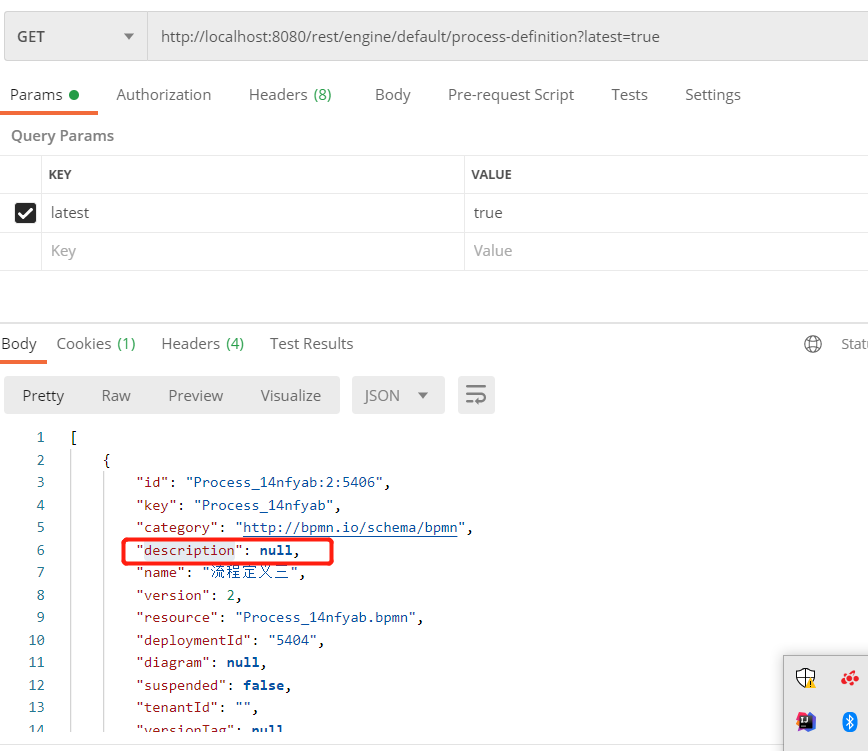
It is the documentation I mentioned above 
Sorry, I don’t understand. I look up the table in the database ACT_ GE_ PROPERTY,ACT_ RE_ PROCDEF。 No description related fields were found. I’m confused. When creating a new process definition, where is the description defined.
Hi @gogo
I think this is not persisted in the database, but read from the diagram. If you set it as documentation property in the process, it will be returned as description.