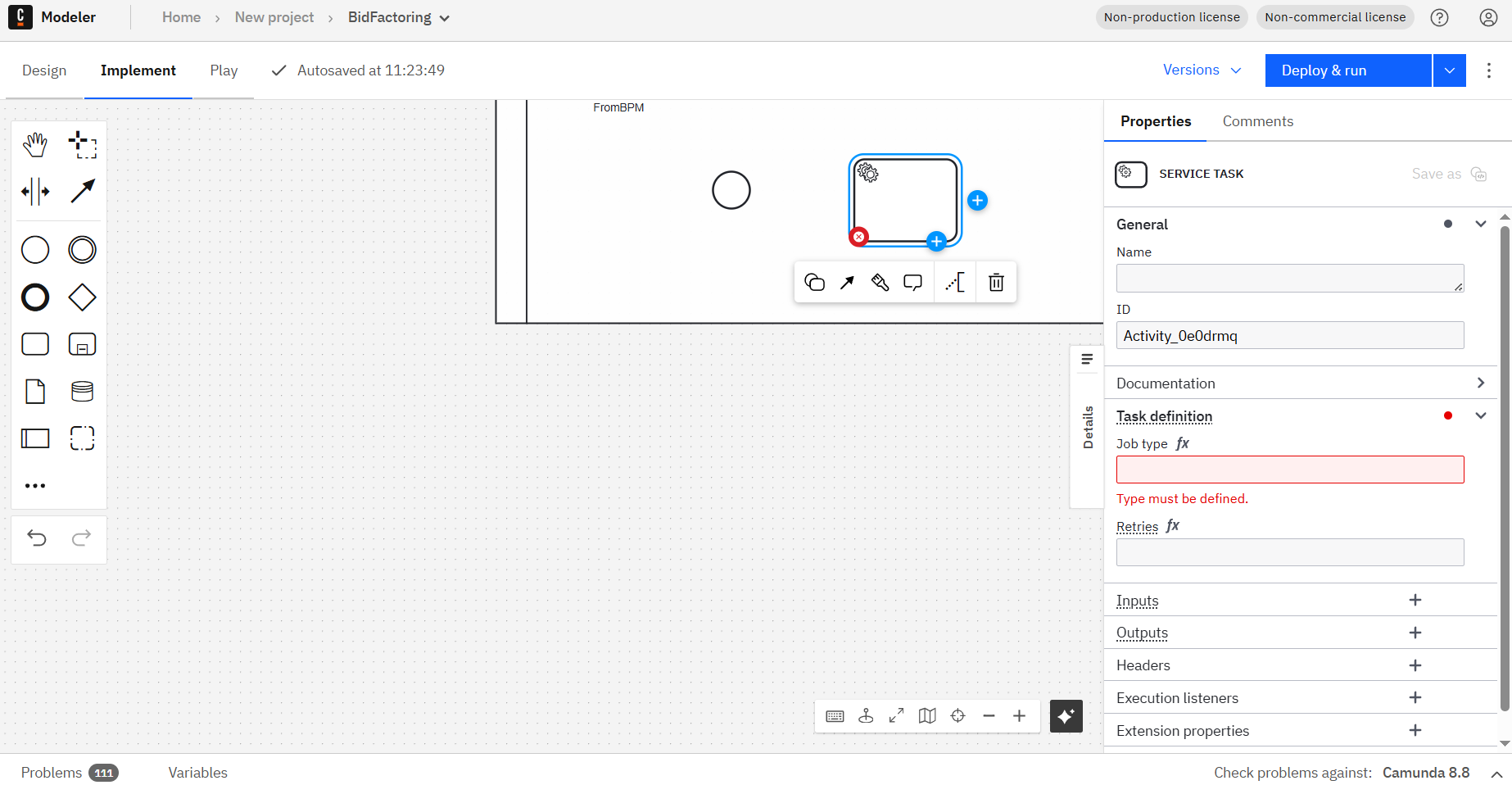
How can I use templates in Web Modeler Self-managed from a computer without internet access?
I tried importing the json files of the templates into my project in Web modeler Self-managed, but the Template element still isn’t visible at all:
For Web Modeler Self-managed without internet access, you need to download templates from GitHub, format them correctly (remove outer brackets, one template per file), upload them to your project, and then publish them to make them visible. I found the following relevant resources:
Does this help? If not, can anyone from the community jump in? 
 Hints: Use the Ask AI feature in Camunda’s documentation to chat with AI and get fast help. Report bugs and features in Camuda’s GitHub issue tracker. Trust the process.
How can I use templates in Web Modeler Self-managed from a computer without internet access?
I tried importing the json files of the templates into my project in Web modeler Self-managed, but the Template element still isn’t visible at all:
If I open a bpmn-file created with DesktopModeler with templates (like RabbitMQ Message Start Event Connector), I can only the Template section in WebModeler shows “Not found” and allows my only to unlink the template.
Well, by publishing the imported templates I got them available, but can I somehow publish them as a batch and not every template individually?
Hi Igor_Msk,
You’re on the right track! To use templates without fetching them from the Camunda Marketplace (which requires internet access), you need to download them, then upload them to your project in Web Modeler Self-managed, and finally publish them to make them available in your BPMN diagrams.
Regarding your question about batch publishing: unfortunately, there isn’t a native way to publish templates in a batch directly from Web Modeler’s UI. However, you can technically achieve this through a CI/CD approach or programmatically using the Web Modeler APIs. This would allow you to automate the publishing process for multiple templates at once.