Hi, In Camunda7 enterprise edition, how to do bulk retry using the GUI?
The link does not any any screenshots or steps how to do this.
Hi, In Camunda7 enterprise edition, how to do bulk retry using the GUI?
The link does not any any screenshots or steps how to do this.
Hi @firstpostcommenter
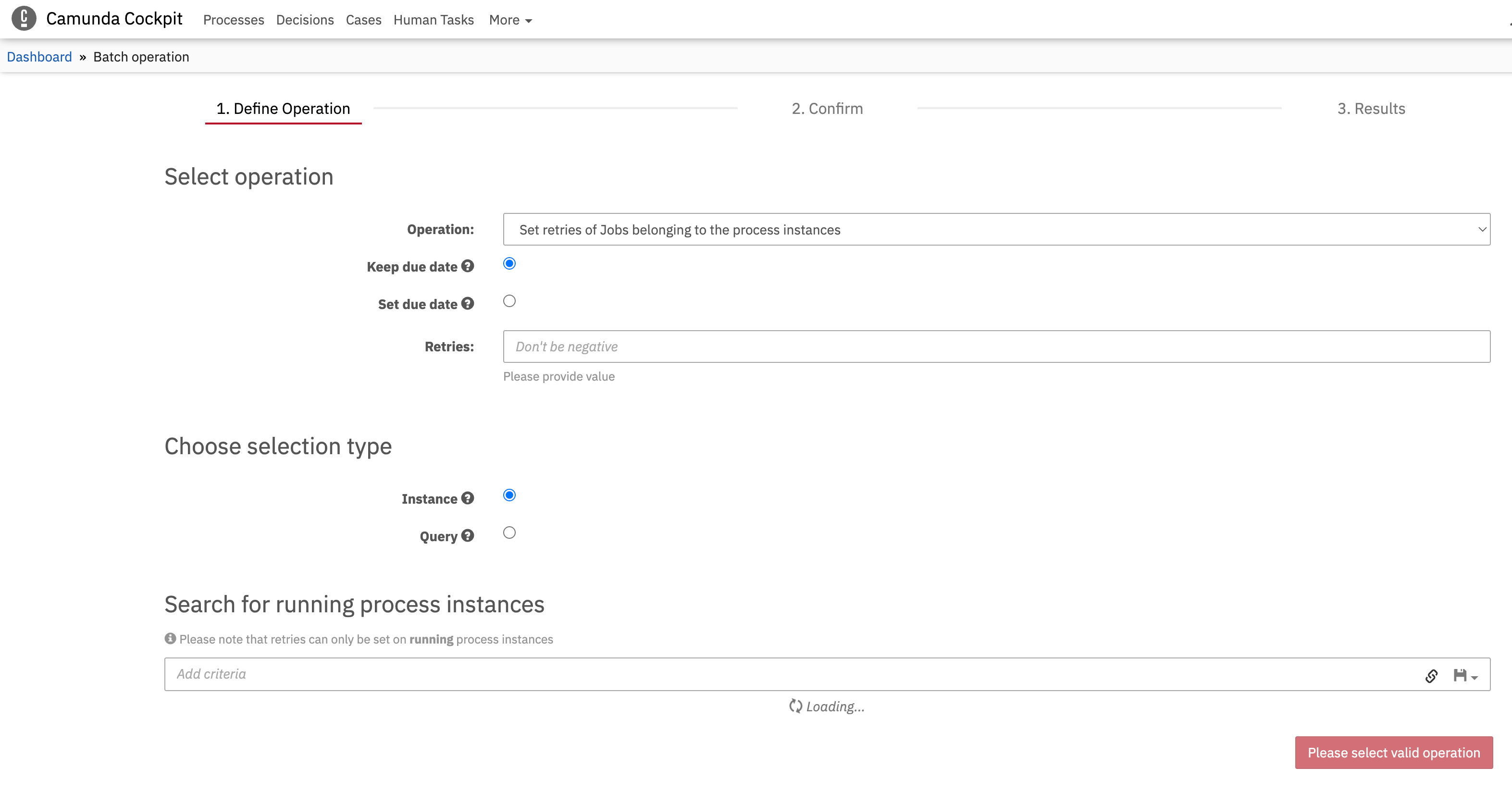
Here is the Batch operation view. Hope it helps.
Found it. Bulk retry is different from Batch operation.
Bulk retry is used to retry all failed jobs of a process definition. Open a process definition → Click on Job definitions tab → select a delegate step in Camunda diagram which has the common incident of all failed jobs → retry. This will bulk-retry all failed jobs of this delegate