Hi Camunda Team,
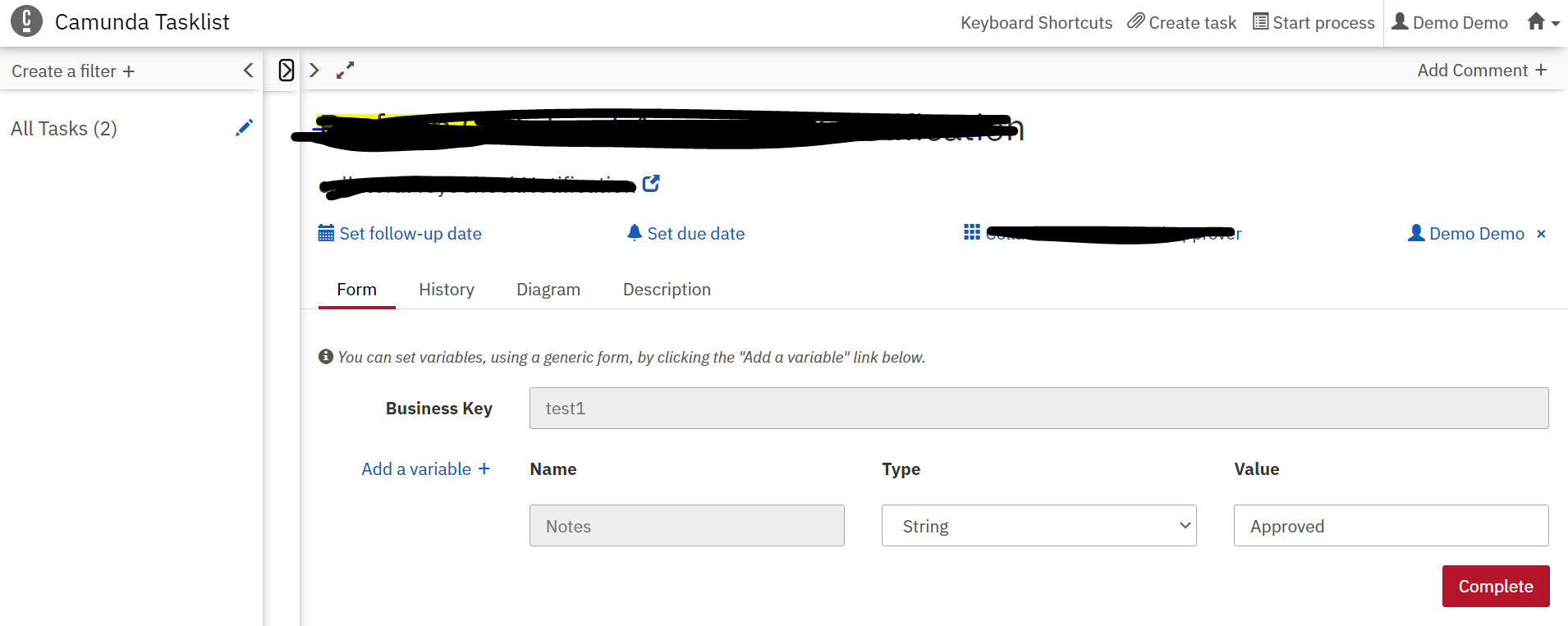
In Camunda task list (3rd panel) I have some variables and for them already values has been
set, now I want to modify the value of the variable and want to save it without click on complete button, is there any way for it?
Please see the below diagram for more info.
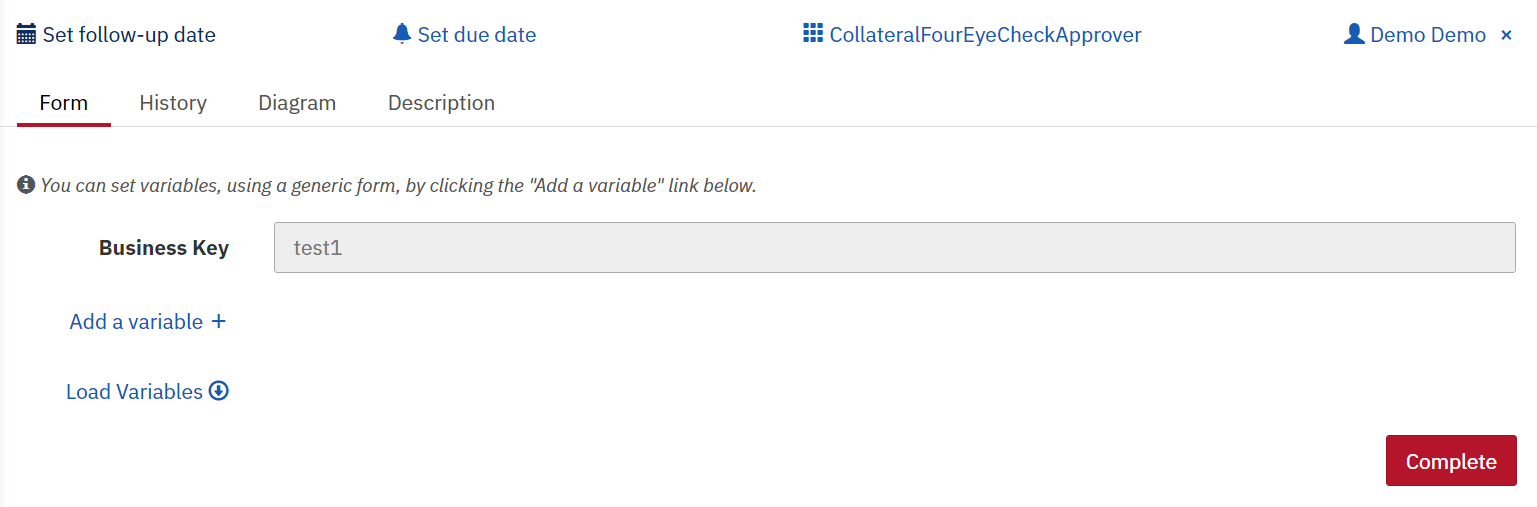
After Claiming the task once I click on the load variables the value of the variable is showing like below.
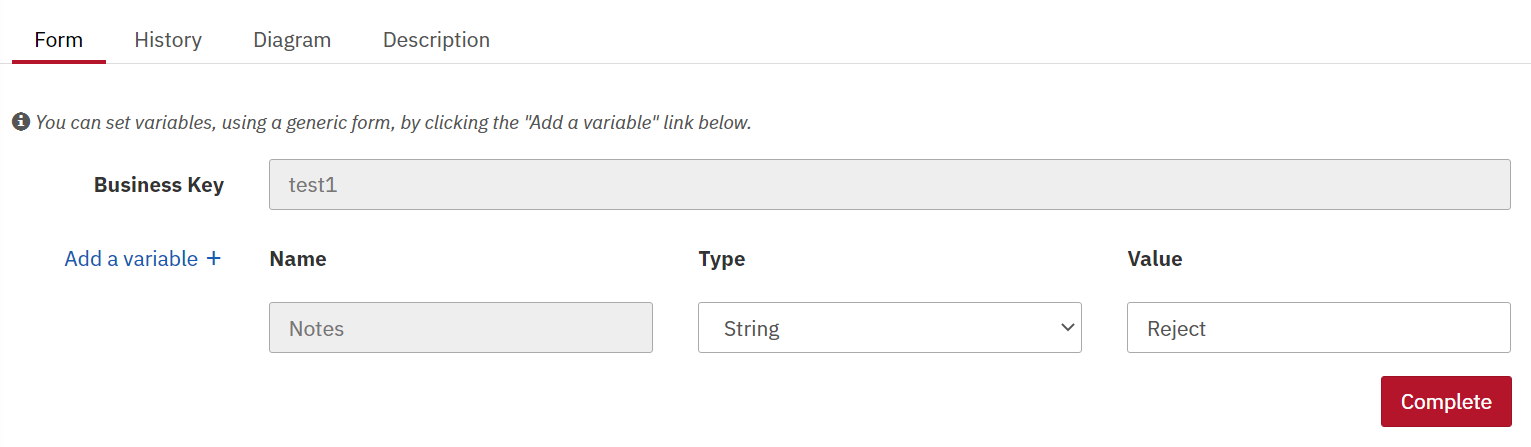
After changing the Notes value from Approved to Reject, how can i save the value of that variable without click on complete button. Is there any way to save the current state of the variable?
Please help me on this.
Cheers,
Ramanaiah
Hi @Ramanaiah,
the generic forms that you show here are not meant to be used by a user. They are just for prototyping and not customizable.
It would be much better if you create a form for the task with a checkbox or dropdown to switch between “Approve” and “Reject”.
Have a look at the docs about Camunda Forms: User Task Forms | docs.camunda.org
Hope this helps, Ingo
@Ingo_Richtsmeier Below is the form that we have created
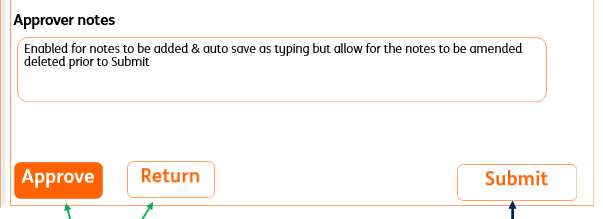
Once Approver entered the notes and he can able to click on Approve or Reject, then the variable apporverNotes should get saved without click on submit button(Complete).
The user wants to modify the notes anytimes and that notes can be saved all the time. User can close the browser and once he logged in again he can able to see the notes which is updated.
How the backend will store the approverNotes in variables without click on the submit button.
Cheers,
Ramanaiah
Hi @Ramanaiah,
in general, you have to wire your buttons to the complete-Rest API as well and take care to submit all variables (hidden one for approved and the visible content from approverNotes) with the request: Complete Task | docs.camunda.org
I think, you have to do some javascript frontend coding to achieve this. (Which is beyond my experience)
Hope this helps, Ingo
1 Like