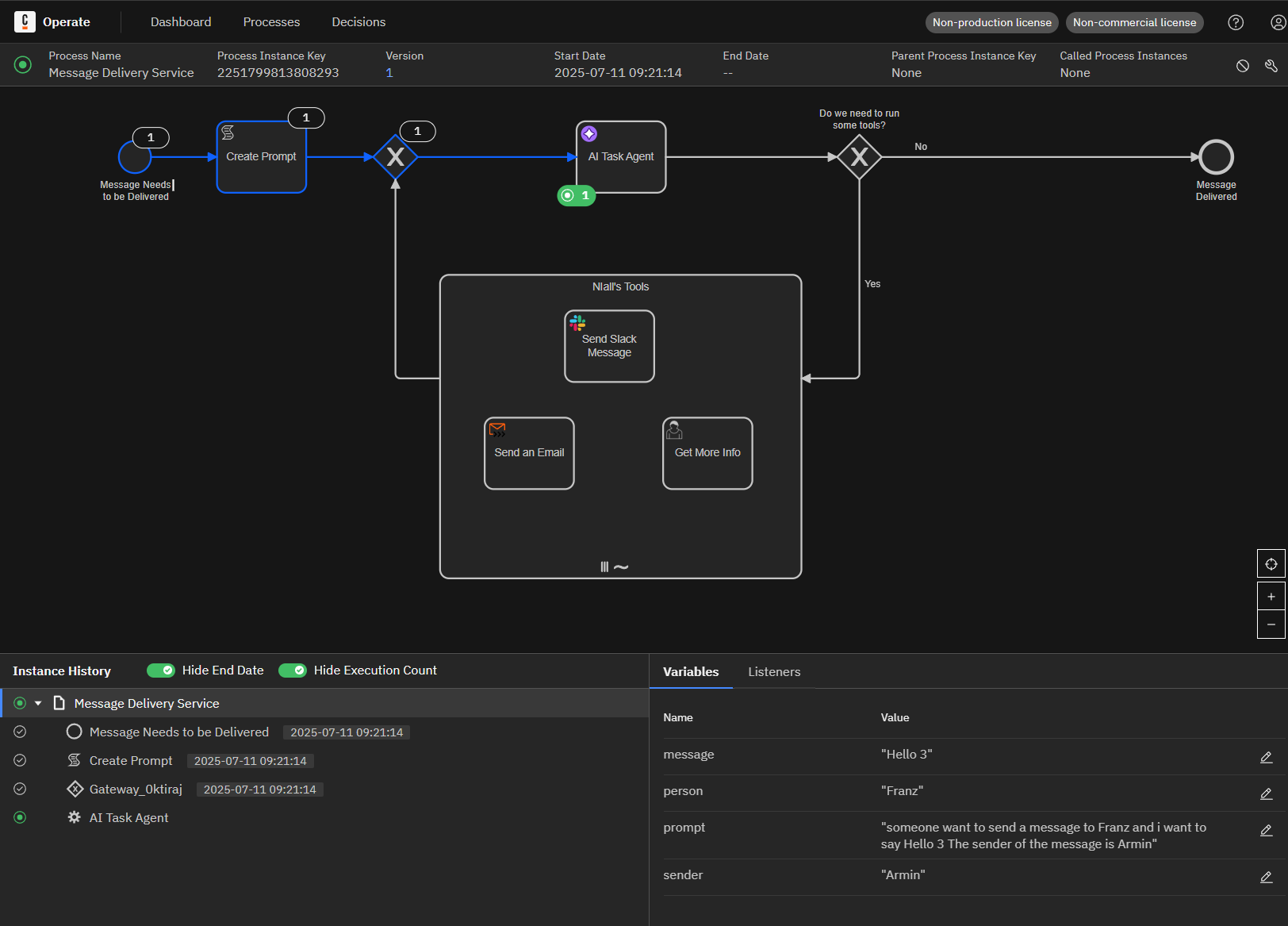
I downloaded Nialls Hawk Emporium sample from git hub and uploaded the files into camunda modeler. The Marketplace tasks first need to be re-configured by downloading the marketplace connectors and then sometimes exiting and reentering the editor.
Once configured I can deploy the process and run it. However at this point the process always hangs indefinitely at the AI Agent task. I cannot see any log errors and there are no incidents on the process.
I have also tried building the process manually according to the blog tutorial and get the same problem.
Hi @Franz - I know this sounds like a silly question, but can you attach your BPMN model to this thread? I know you’ve tried Niall’s example right from GitHub, but it’s always helpful to have an exact copy of the one you’re working with.
Are you using our default docker-compose configuration, or have you made any changes to it?
I also tried linking and relinking the AI Agent as Niall suggested without success.
Here is the bpmn file. The only change I made was to put “junk’” values into the slack config because these were deleted on import. But the process never gets there anyway.
That’s a good tip. From what I can find I need to deploy the AI Agent connector as a jar file in the docker compose file. But I cannot find where to download the jar files for these connectors.
@Franz - the AI Task Agent connector should be part of the 8.8-alpha6 connectors bundle that is included with that Docker configuration. You shouldn’t need to download and install the JAR manually.
Can you check to ensure that the connectors image is running, and also check the logs and see if there are any errors? Also, which docker-compose file are you using (docker-compose.yaml or docker-compose-core.yaml)?
The connector container is running. Its logs are filled with:
2025-07-12 13:50:16 2025-07-12T11:50:16.723Z WARN 1 — [pool-2-thread-8] i.c.client.impl.CamundaCallCredentials : The request’s security level does not guarantee that the credentials will be confidential.
that occur between 2 and 10 or 15 times per second so its really difficult to find any other log errors.
Set the envronment variable
JAVA_TOOL_OPTIONS=-Dlogging.level.io.camunda.client.impl.CamundaCallCredentials=ERROR
in the connectors container to get rid of this log message.
Hey @Franz - I think we found the issue. Your process is using an older version of the element template for the connector, and the updated runtime isn’t listening for the older versions. So the process is stuck waiting for a connector runtime that is listening for the proper version.
Are you using Desktop or Web Modeler? How to update the template depends on what you’re using!