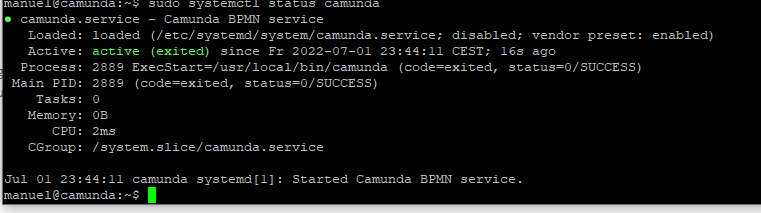
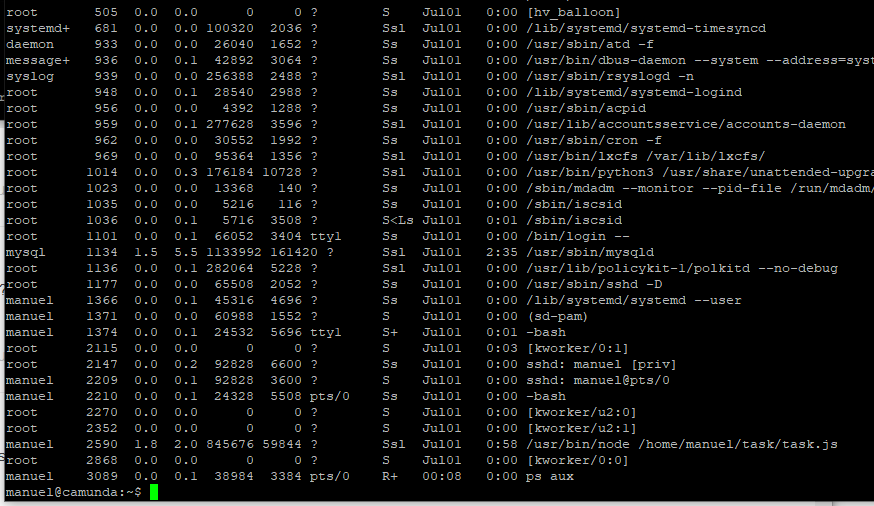
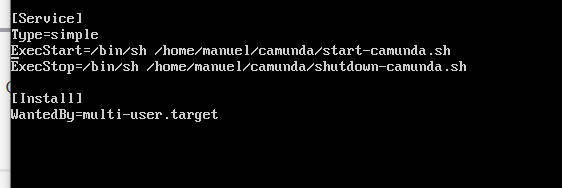
Hi, i created a systemd service
but when i try to run it i get this error
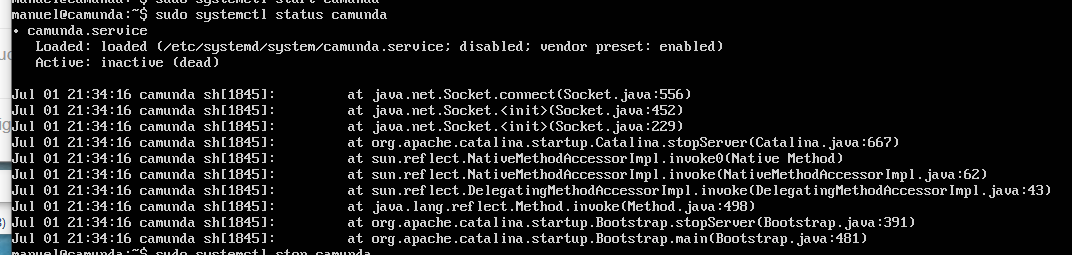
I know i can also create a cronjob “@reboot” but can you tell me how i can enable camunda as a systemd service? I have the tomcat bundle version.
Thank you!
Hi, i created a systemd service
but when i try to run it i get this error
I know i can also create a cronjob “@reboot” but can you tell me how i can enable camunda as a systemd service? I have the tomcat bundle version.
Thank you!
I created the following:
/etc/systemd/system/camunda.service
[Unit]
Description=Camunda BPMN service
After=network.target
StartLimitIntervalSec=0
[Service]
Type=simple
Restart=always
RestartSec=1
User=davidgs
WorkingDirectory=/home/davidgs/camunda-ee-7.15/
ExecStart=/usr/local/bin/camunda
RemainAfterExit=yes

[Install]
WantedBy=multi-user.target
And then:
/usr/local/bin/camunda
#! /bin/sh

if [[ `id -nu` != "davidgs" ]];then
   echo "Not davidgs user, exiting.." >> /var/log/camunda/camunda.log
   exit 1
fi

export JAVA_HOME=/usr/lib/jvm/java-11
./start.sh  >> /var/log/camunda/camunda.log &
That’s been working for me for quite some time.
HTH,
dg
how are your permissions on /usr/local/bin/camunda set?
-rwxr-xr-x 1 root root
dg
Hi thank you @davidgs , unfortunately not but the error has changed
There is no error there. Have you tried to connect to Camunda now?
Yes, no process is running using “ps aux” or “ps -ef”
the port is closed

and i can’t reach the web interface. I think its not running.
Why does it say “exited” but when i check status of mysql it says “running”
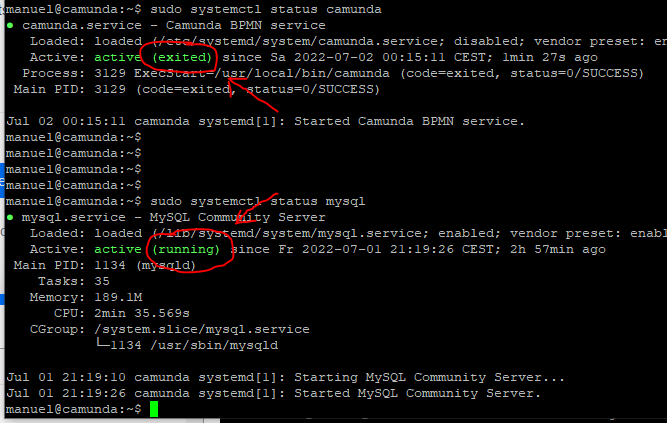
@davidgs i recognized when i run “systemctl start camunda” it works but when i do “systemctl enable camunda” it wont run after reboot. Ooops, i forgot to disable the cronjob “@reboot”