Hi Team,
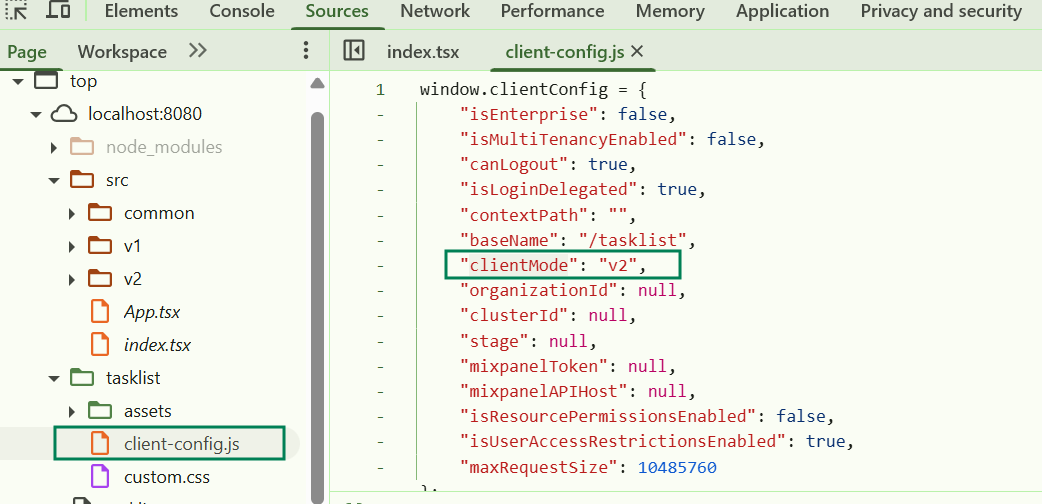
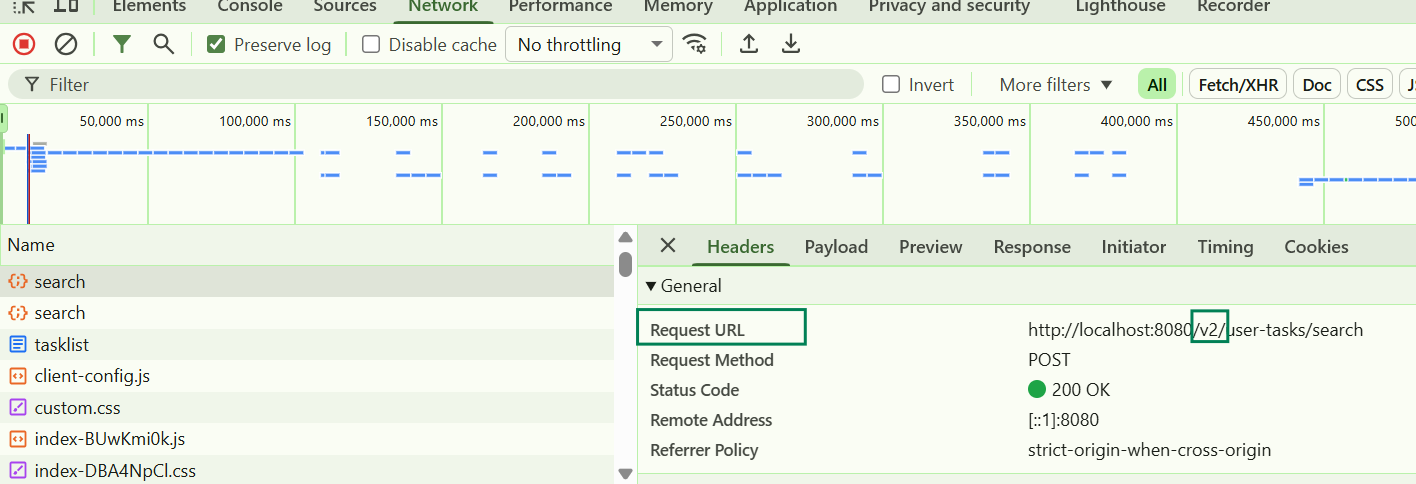
We are currently migrating our workflow application to Camunda Platform 8.8 (Self-Managed) and discovered that Tasklist V2 is now the default.
During our testing, we found that BPMN candidateGroup no longer affects task visibility or assignment.
According to the official documentation:
-
“User task access restrictions are only supported with the Tasklist V1 API and are currently not supported in V2.”
https://docs.camunda.io/docs/self-managed/components/orchestration-cluster/tasklist/user-task-access-restrictions/ -
“In Tasklist V2, specifying candidate groups and candidate users in BPMN process definitions currently has no effect on task visibility or assignment.”
https://docs.camunda.io/docs/components/tasklist/api-versions/
This means that the task visibility control we relied on in previous versions (Tasklist V1 behavior) no longer works in Camunda 8.8+.
Our use case
We have a single BPMN workflow separated into two swimlanes:
-
Lane 1 → GroupA
-
Lane 2 → GroupB
Each lane corresponds to a different business team.
Example structure:
Start
↓
[User Task X] ← Lane 1 (candidateGroup = “GroupA”)
↓
[User Task Y] ← Lane 2 (candidateGroup = “GroupB”)
↓
End
In Tasklist V1, we could:
-
Assign users to groups such as GroupA and GroupB
-
Set candidateGroup values in BPMN
-
And Tasklist would show each user only the tasks belonging to their group
This behavior is essential for our business requirements.
Problem with Camunda 8.8 (Tasklist V2)
Even though:
-
Identity Roles = GroupA and GroupB
-
Users receive these roles correctly through OIDC mapping
-
BPMN defines candidateGroup=“GroupA” / candidateGroup=“GroupB”
Tasklist V2 shows all user tasks to all authenticated users, completely ignoring the BPMN candidate groups.
As a result, we can no longer separate visibility of tasks within the same workflow.
Question
What is the official recommended approach to replace candidateGroup-based task visibility in Tasklist V2?
Should we consider:
-
Authorization-based task visibility?
-
Custom front-end + Orchestration API filtering?
-
Separating workflows per team (e.g., one process for GroupA and another for GroupB)?
-
Or is candidateGroup functionality planned to return in future V2 releases?
Environment
-
Camunda Platform 8.8 (Self-Managed)
-
Tasklist V2 (default)
-
Keycloak + OIDC authentication
-
Identity role mapping used for group assignment
Any guidance on best practices for task visibility control under Tasklist V2 would be greatly appreciated.
Thank you!