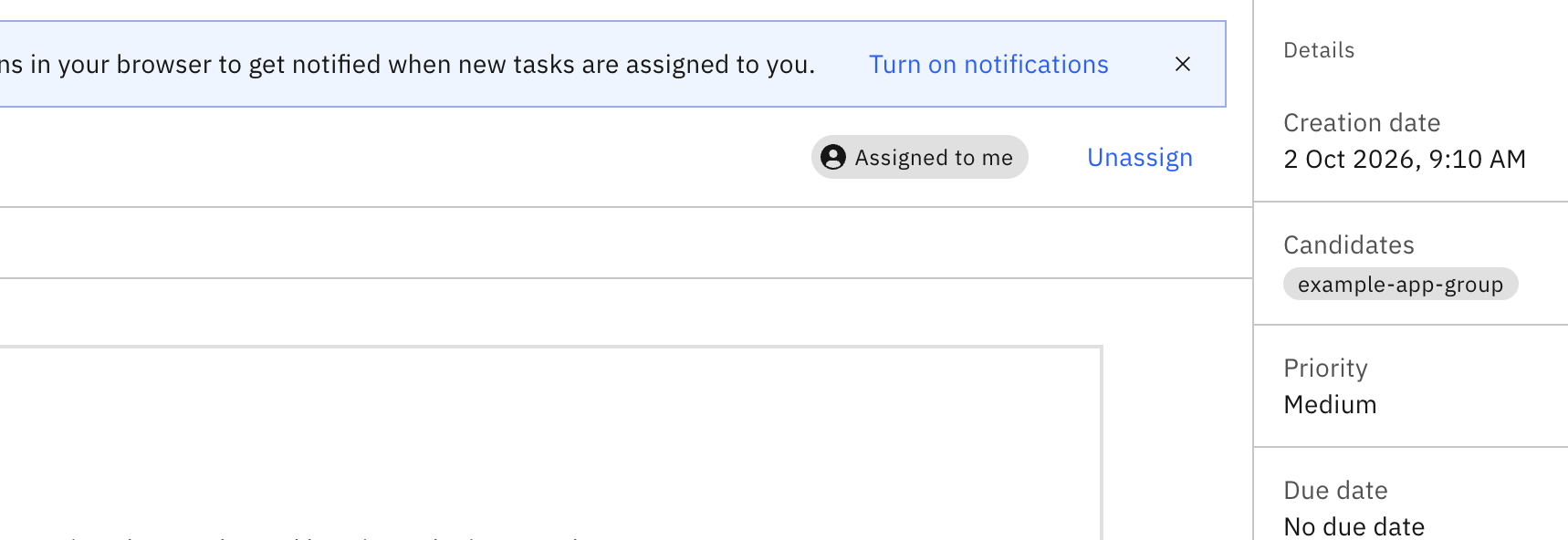
In Camunda admin → cluster → Groups → I have added a group here with the same name and groupId. Let’s call it “example-app-group”.
In the BPMN in user task I have given the Candidate groups value after enabling fx as:
[“example-app-group”]
Now when the process instance creates a user task, I expect the task to be visible only to users in this group. If the group does not exist then either throw error or not show the task to anyone.
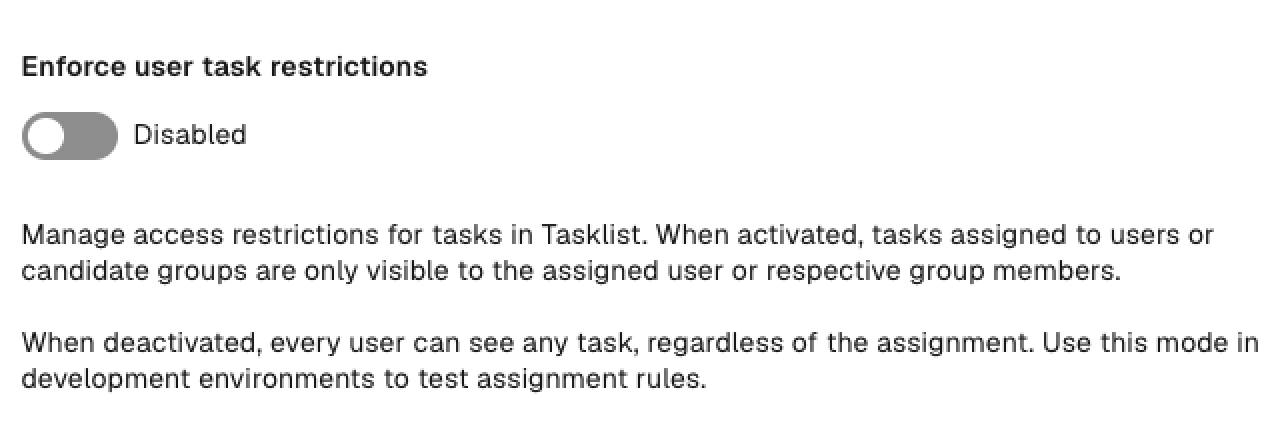
But the task is being displayed to everyone and everyone is able to assign the task to themselves. How to fix it?
Tasklist V1 only

User task access restrictions are supported only by the Tasklist V1 API and are not available in Tasklist V2.
From Camunda 8.8, Tasklist runs in V2 mode by default.