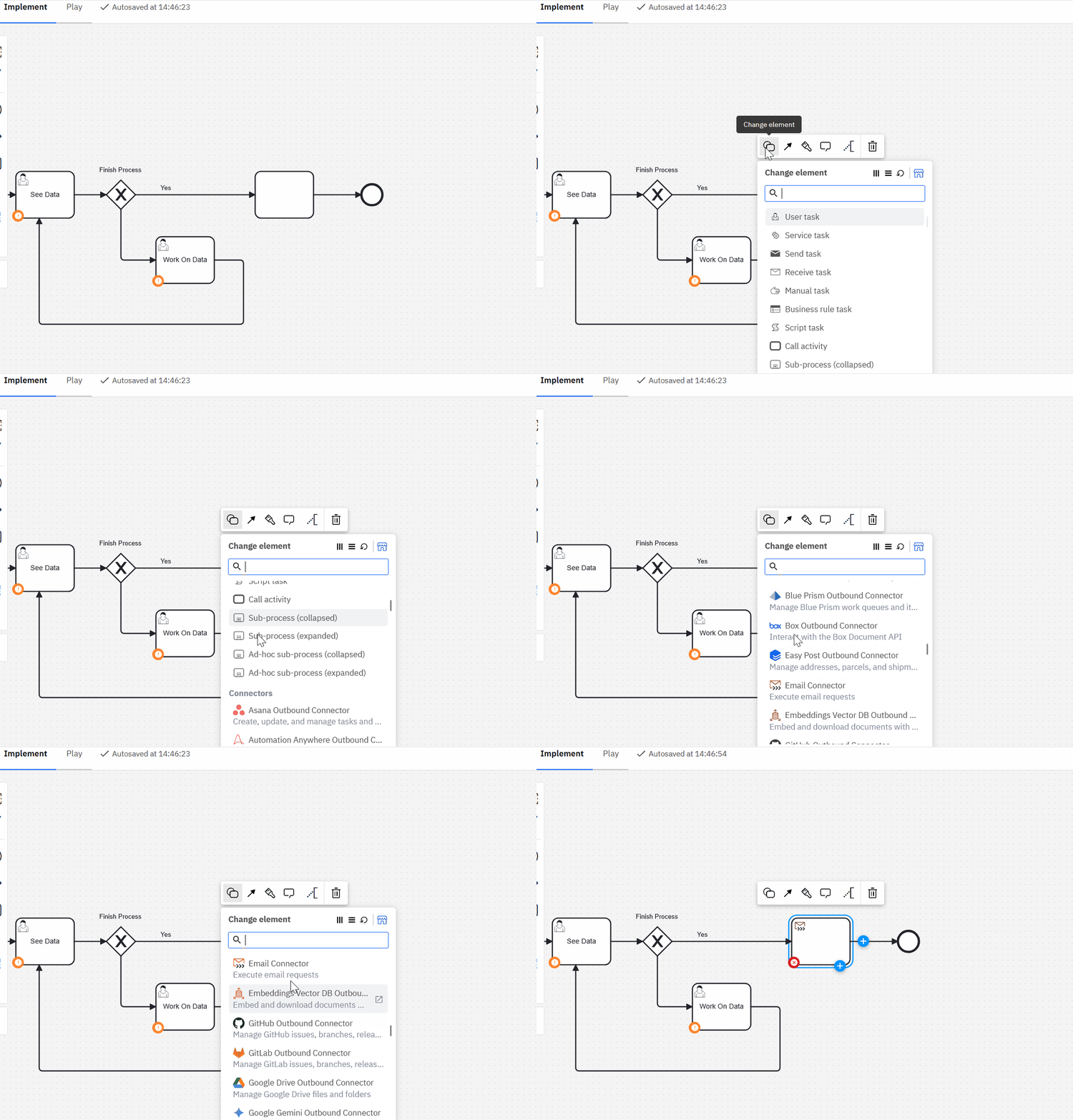
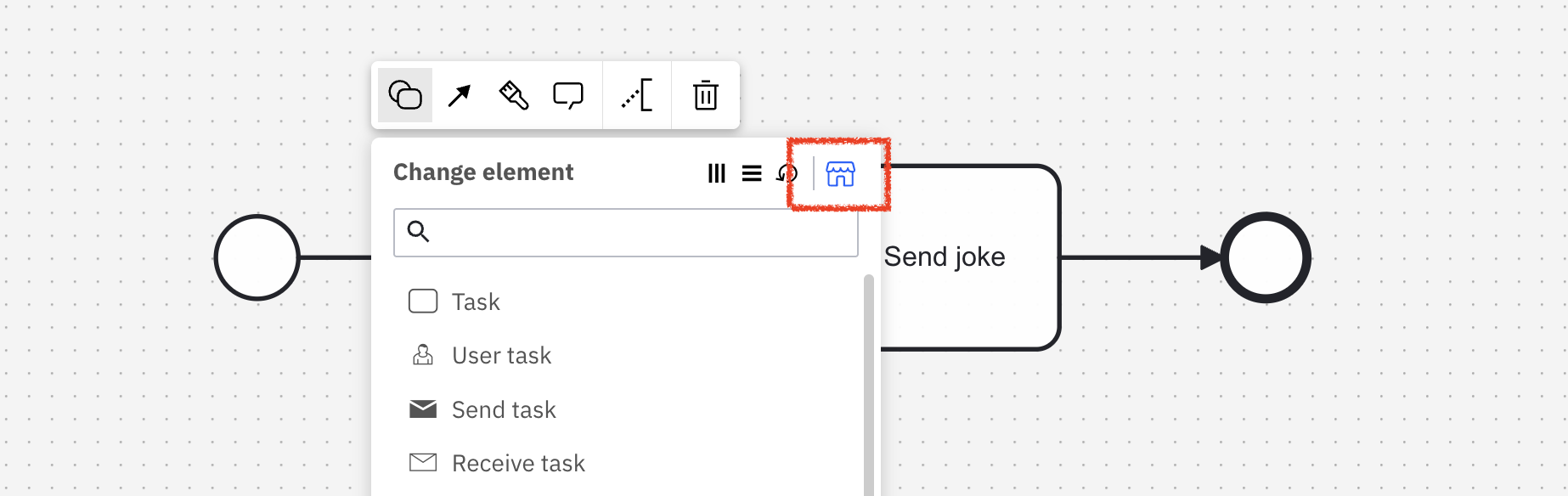
Hello, I have no wrench icon on tasks and no template section in the details side panel when using docker compose 8.7 from here. So it appears I can not use the web modeller for connections? I can deploy a process using the desktop modeller with a REST connector and it works fine.
Screenshot of 8.7 docker compose on Brave
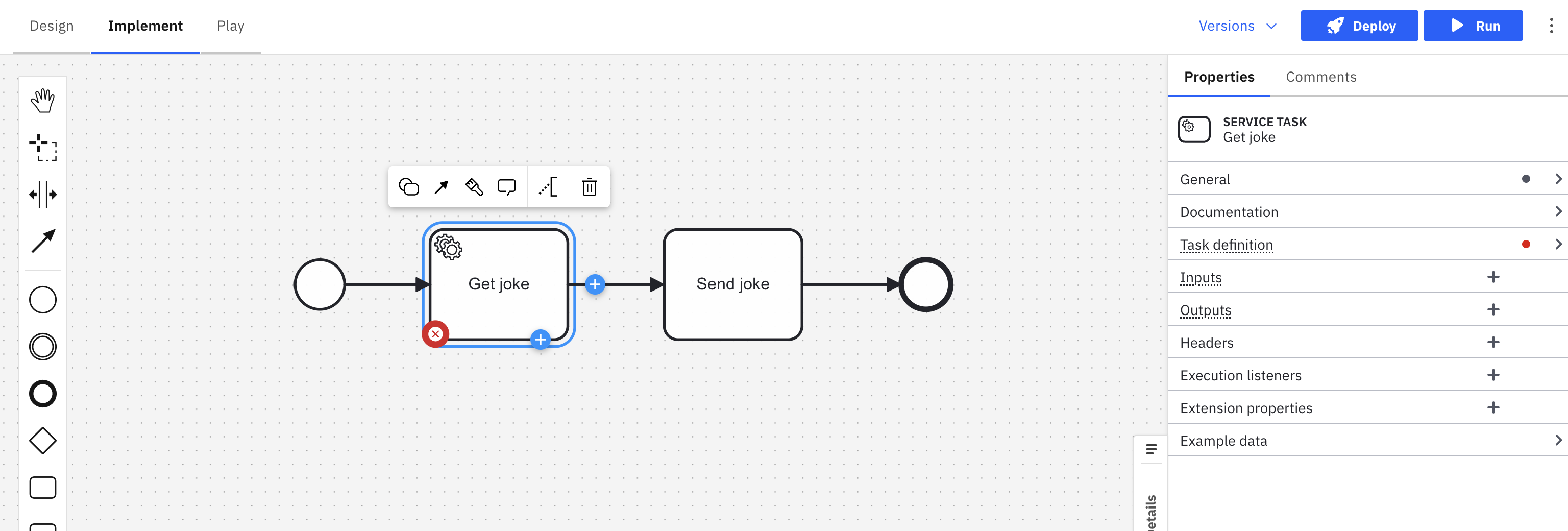
I found this post, and one comment references to disable new context menu . However, I do not see this option anywhere in the docker-compose.yaml
Thanks
Edit: Solution was to first add the REST connector through the marketplace, then it appeared in the change type window (previous wrench icon)